
Updating support settings
Table of Contents
How-to guide
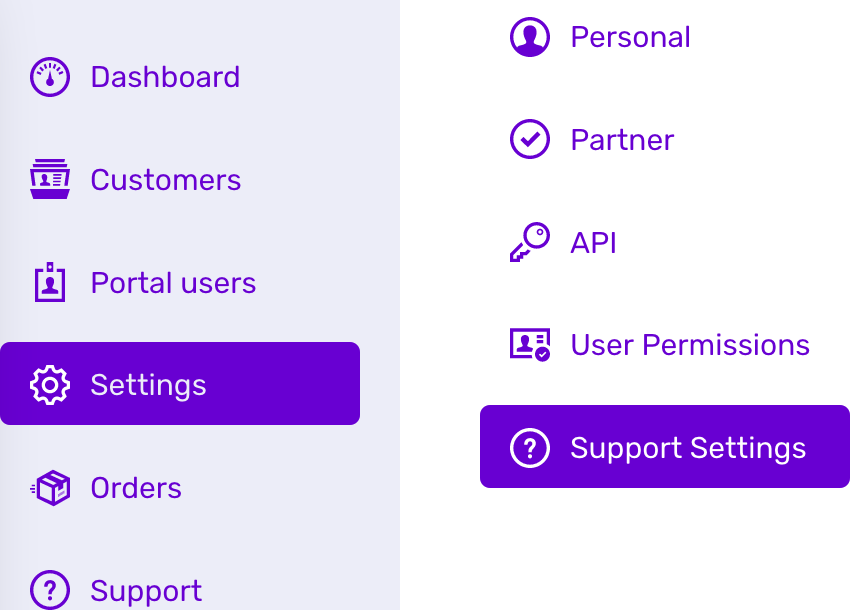
To access support settings, navigate to ‘Settings’ and then ‘Support settings’.
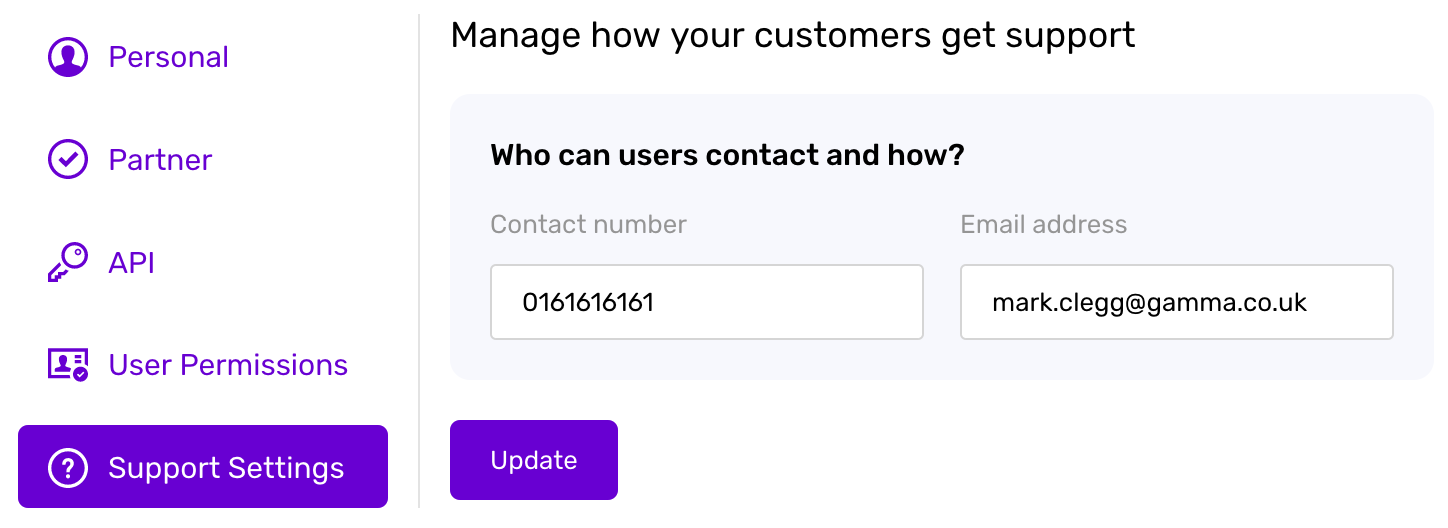
You can update your information so that your customers know how to contact. This includes your contact number and contact e-mail address.
These details will then be available to customers via links from their PhoneLine+ help page.
Troubleshooting
If you are not able to update your support settings, please check the following:
- You have completed all required fields (Support contact number, Support E-mail Address)
- The Support e-mail address that you have entered is valid
If you are still having issues, please contact the PhoneLine+ support team.
How are we doing?
Did you find the training on this page useful? Let us know by giving us a thumbs up below. To give us detailed feedback on the content you would like to see, please complete the PhoneLine+ Feedback form.