
Cease a customer account
Partners are now able to suspend accounts, reactivate suspended accounts and cease customer accounts directly within the Partner Portal.
| Note: To learn about suspending an account or reactivating a suspended account, please see the Suspend a customer account article. |
Cease a customer account
To cease a customer account:
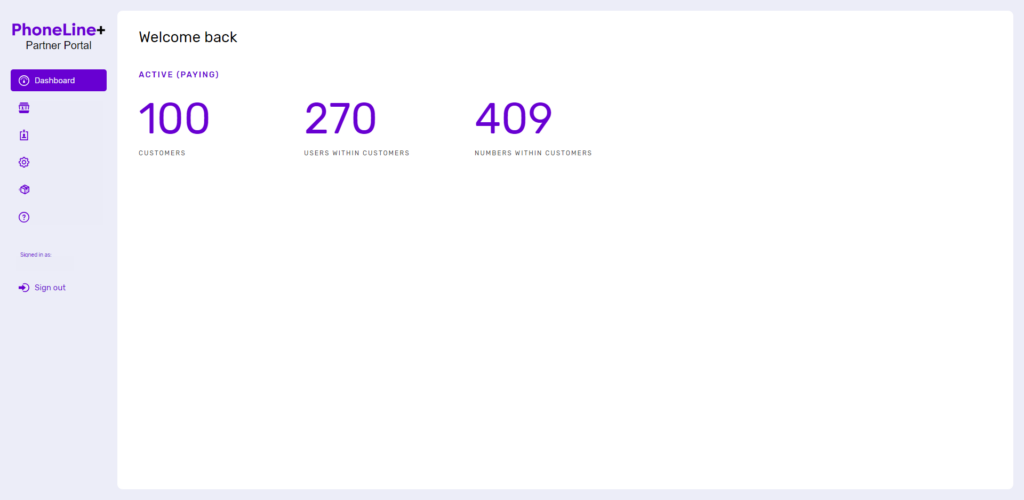
Log in to the PhoneLine+ Partner Portal and click on ‘Customers’:
Select the customer account from the list that appears:

Click ‘Permissions’:
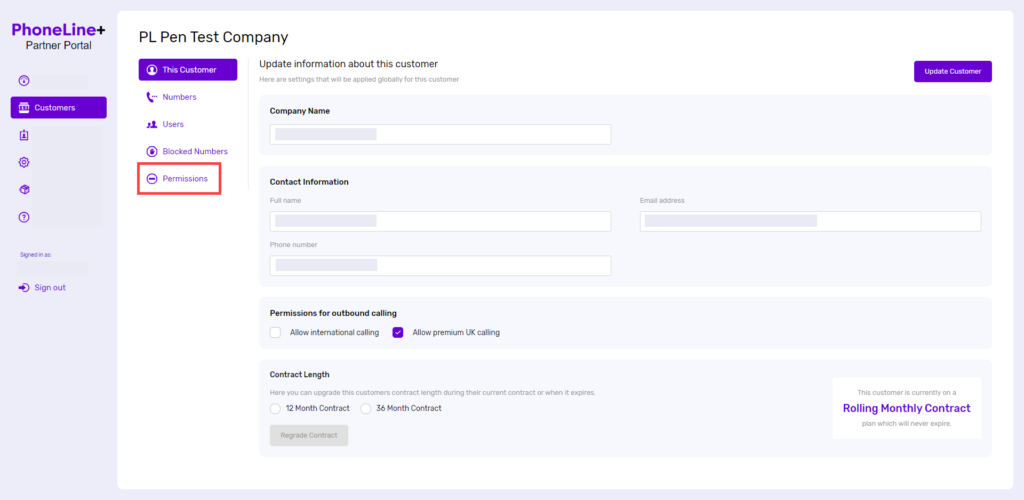
Then click ‘Delete customer’. You will be asked if you’re sure before proceeding. Once it is confirmed that the account is to be deleted, click ‘Delete customer’ again. Please note that deleted accounts cannot be retrieved.
How are we doing?
Did you find the training on this page useful? Let us know by giving us a thumbs up below. To give us more detailed feedback on the content you would like to see, here please complete the PhoneLine+ Feedback form.