
Customer permissions
You can set the permissions for a customer including their monthly account usage limits.
You can set a limit on the number of users and numbers a customer can add to their PhoneLine+ account.
For both users and numbers, you can view the ‘current’ amount – this is how many are currently in use. You can also view the amount ‘left’ – this is the number of available slots before the customer hits the limit.

Please note! PhoneLine+ is licensed at a user level. Please be aware that by ticking the box to allow Admin customers to manage all users, your customers can add additional users themselves, incurring additional charges. Please be sure your customers are aware of this if you choose to allow this function.
Deleting a customer
You can delete a customer from this page. To do this press the ‘Delete Customer’ button.
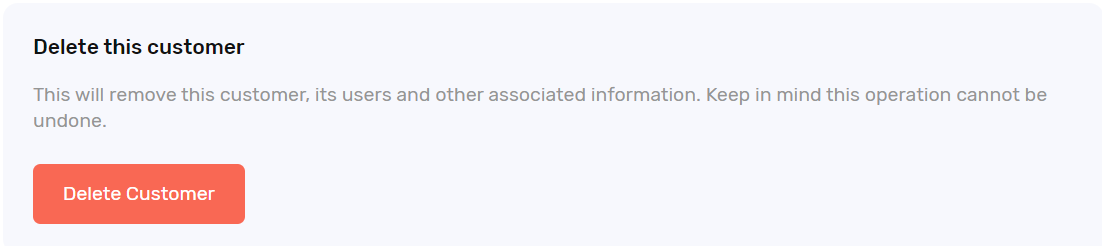
Note: once a customer has been deleted, this cannot be undone.
How are we doing?
Did you find the training on this page useful? Let us know by giving us a thumbs up below. To give us detailed feedback on the content you would like to see, please complete the PhoneLine+ Feedback form.