
Adding new customers via API
For PhoneLine+ you will have one API call you can make into the PhoneLine+ platform. The API available will be a ‘company creation’ API.
The company creation API is used to initially set up your PhoneLine+ company, and the user associated to it, including the following information:
- Company name
- Contact name
- Contact email
- Contact telephone number.
General API use/authentication
API format
All endpoints accept and respond with JSON. A content-type request header with value “application/json” should always be specified.
Authorisation
All endpoints require authentication via an API Key. You can generate an API key which can be used for all requests via the PhoneLine+ Partner Portal.
To do this, login to the PhoneLine+ Partner Portal and navigate to ‘Settings’ and then ‘API’. From here, click ‘Generate API Key’.

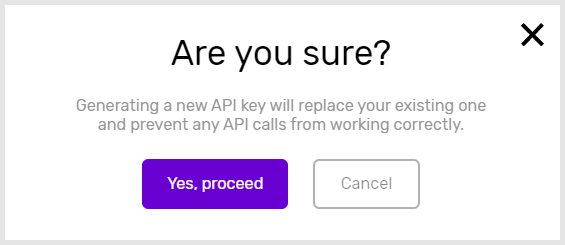
If required, you can also refresh/generate a new key by clicking the ‘Generate API Key’ option again. You will be prompted before proceeding with that request.
Company creation API details
The API BASEURL to be used for all requests is: https://api.kumodi.com/phonelineplus
The API employs rate-limiting to prevent abuse.
API request example



Note for hardware-only provisioning: The Standard plan (“pro”) requires “Email” to be defined, and hardware-only plans require the “Address” to be defined.
On success, a 200 OK response code is returned with the below response body.
Bad/malformed requests will return a 409 response code.
Unauthorised requests will return a 401 response code indicating either an incorrect API key, or incorrect URL.
Adding new customers via the ‘Customers’ menu
Click here for steps on how to add customers via the PhoneLine+ Partner Portal’s ‘Customers’ menu.
How are we doing?
Did you find the training on this page useful? Let us know by giving us a thumbs up below. To give us more detailed feedback on the content you would like to see, here please complete the PhoneLine+ Feedback form.